To-do lists
that don't
feel boring.
Toodly shows you one task at a time. Swipe right when it's done, left for later. A little colour, a little cheer, and a lot less overwhelm.


Free to download. Pro has a 3-day free trial.
One thing at a time
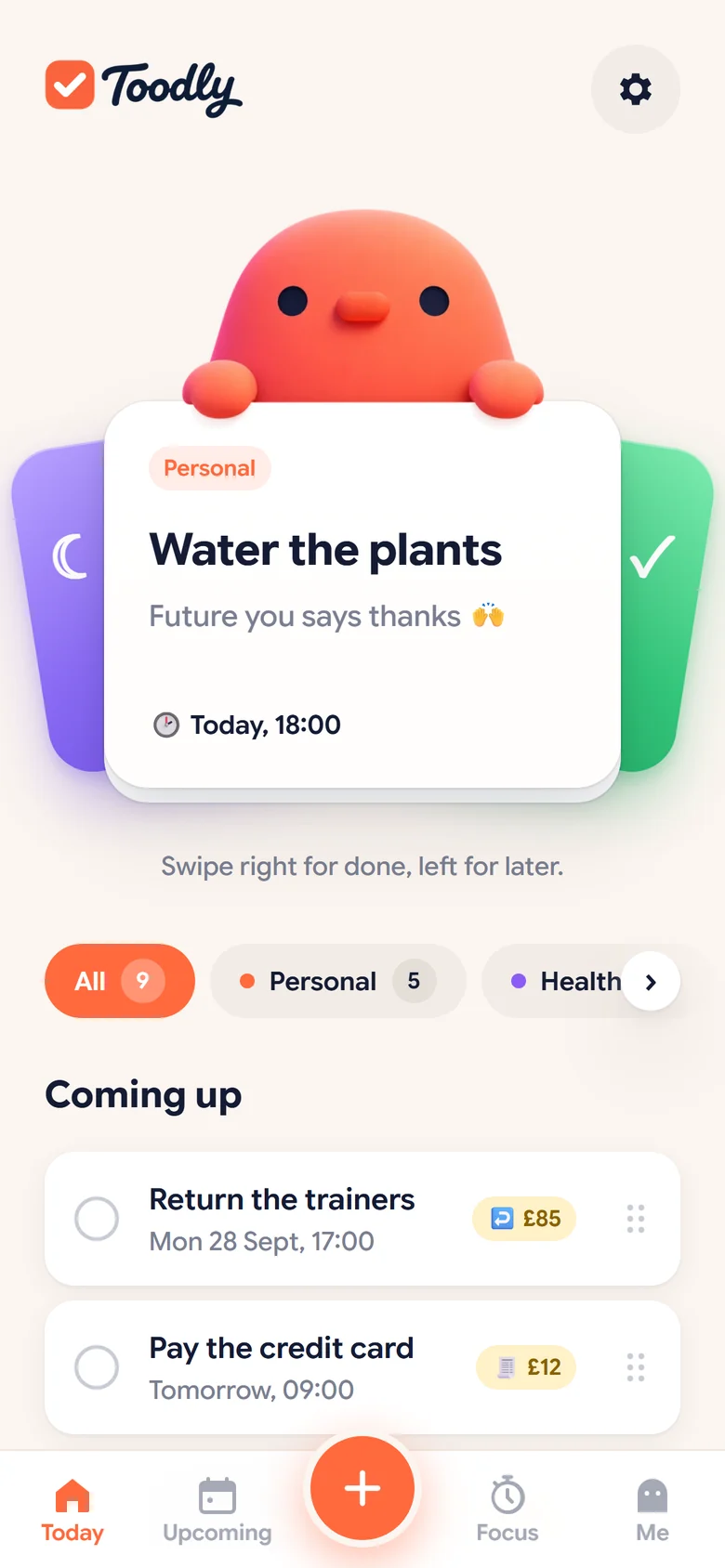
Your next task sits on a card. Swipe it done, or send it to later. No wall of guilt.
A cheer for every tick
A happy flash, a little sound and a friendly bird who is always on your side.
End the day feeling good
Toodle-oo wraps up your day each evening, so you see what you got done.
Everything you need to get things done
Toodly gives you the tools, the motivation and the calm to make progress every day.
Right for done.
Left for later.
Toodly picks what's next and puts it on a card. Finish it and get a cheer. Not today? Swipe left and it sleeps until later.
- Tap the circle or swipe, whatever feels good
- Snoozed tasks drop to the bottom, out of your way
- Reminders that nudge, never nag
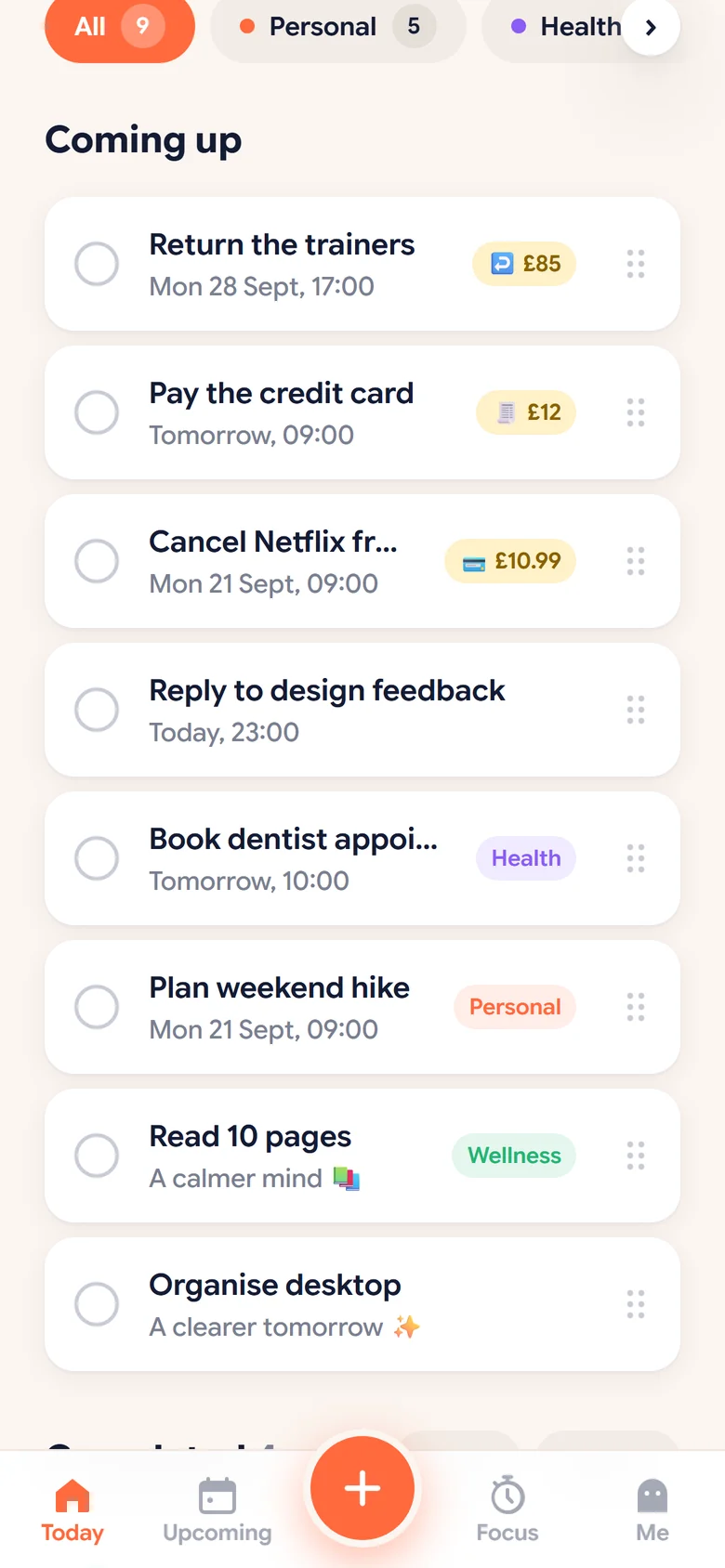
Colourful categories.
Drag to reorder.
Everything else waits in Coming up. Sort it by dragging, filter it by colour, and see what's due at a glance.
- Make your own categories and pick their colours
- Add tasks in plain words: "gym tomorrow 7am" PRO
- Break big jobs into small steps PRO
See your week
before it sees you.
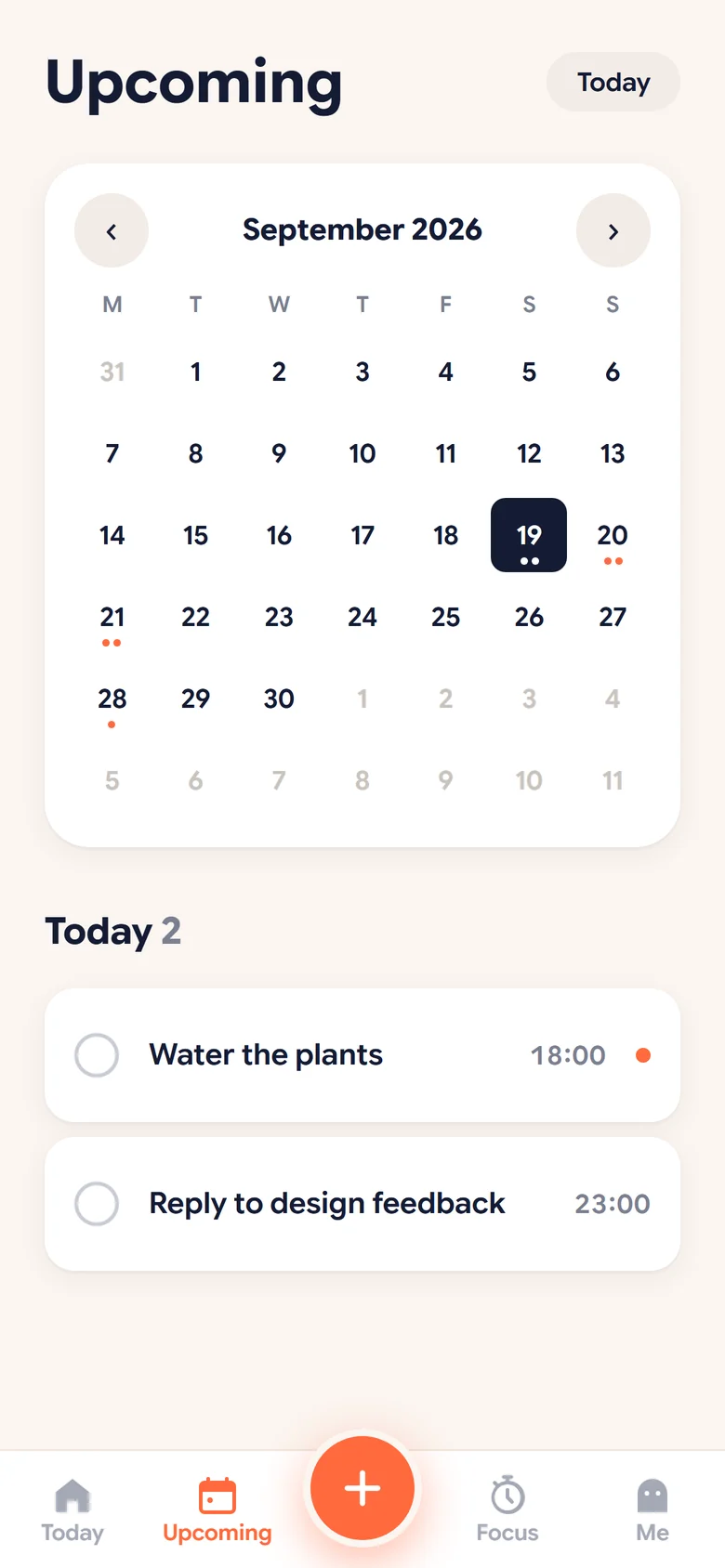
Upcoming shows your month with a dot on every busy day. Tap a day to see what's on and add something in a second.
- Month calendar with your tasks on it
- Add your tasks to Google or Apple Calendar in one tap PRO
A timer that
fills up as you go.
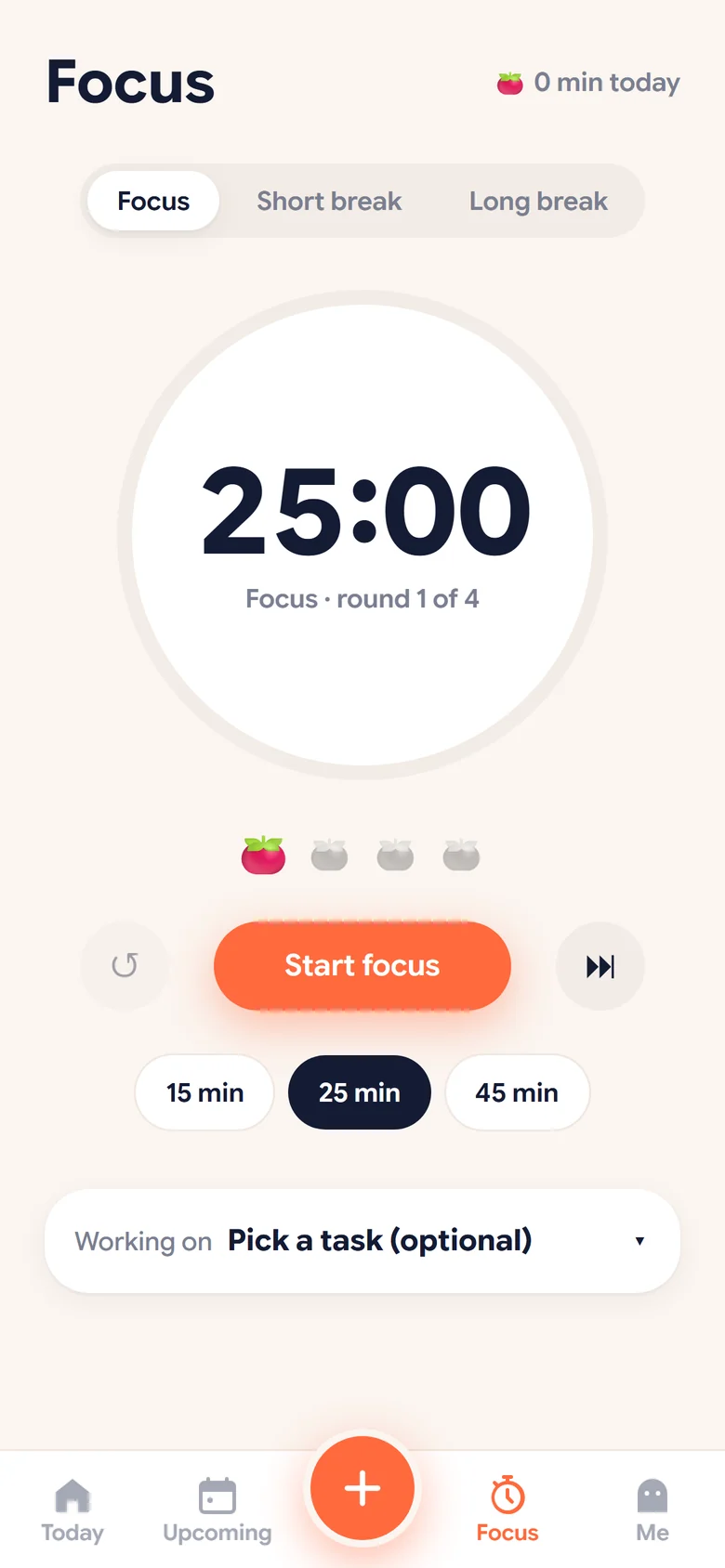
Pick a task, press start and watch the circle fill. Short breaks and long breaks are built in, so you keep going without burning out.
- 15, 25 or 45 minute sessions
- Breaks that start on their own
Three steps. That's it.
Add it
Type it how you'd say it. Toodly works out the day and time.
Call mum Sunday 6pm
Swipe it
Right when it's done, left for later. Every tick gets a cheer.
✓ Done! Nice one
Toodle-oo
Each evening, see your day wrapped and set up tomorrow.
🌙 8:00 pm, every day
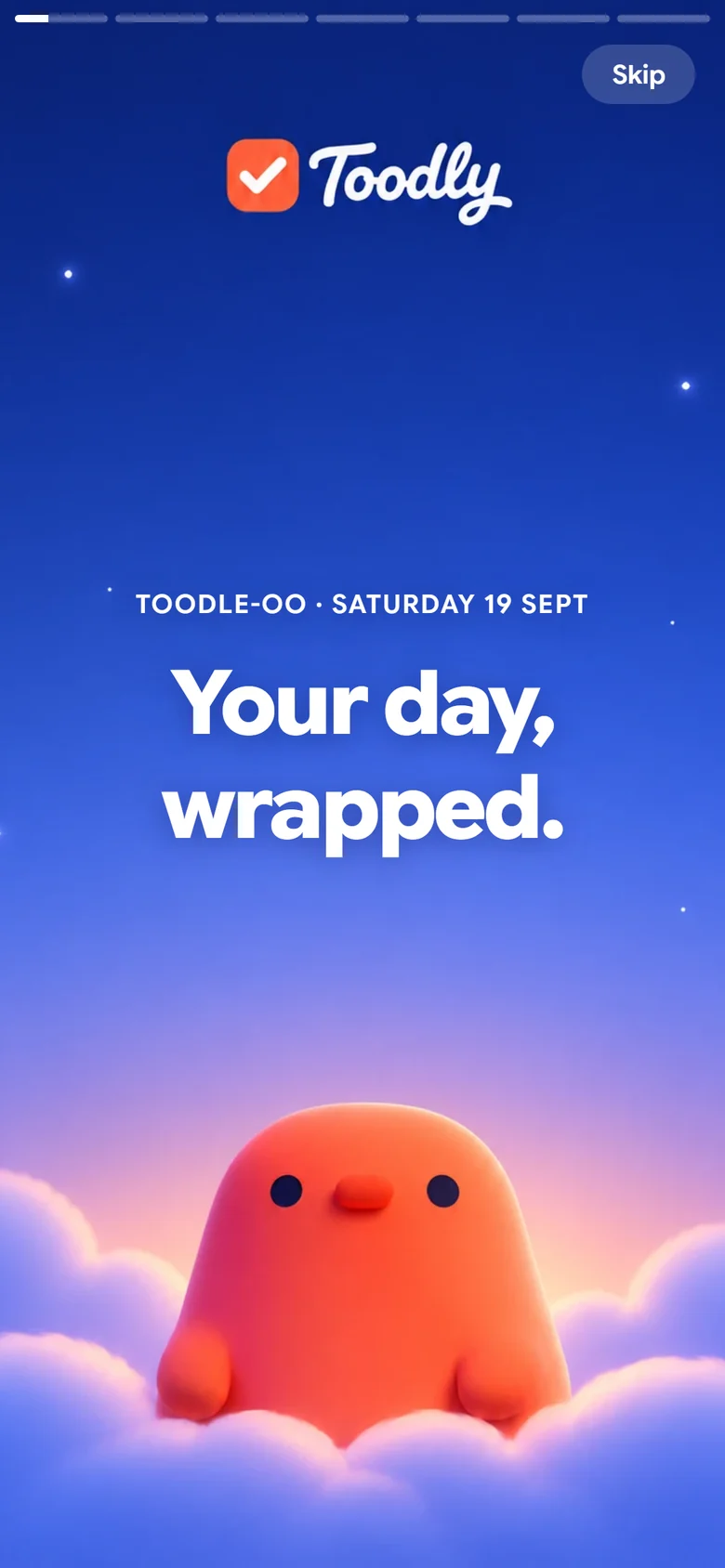
Your day,
wrapped.
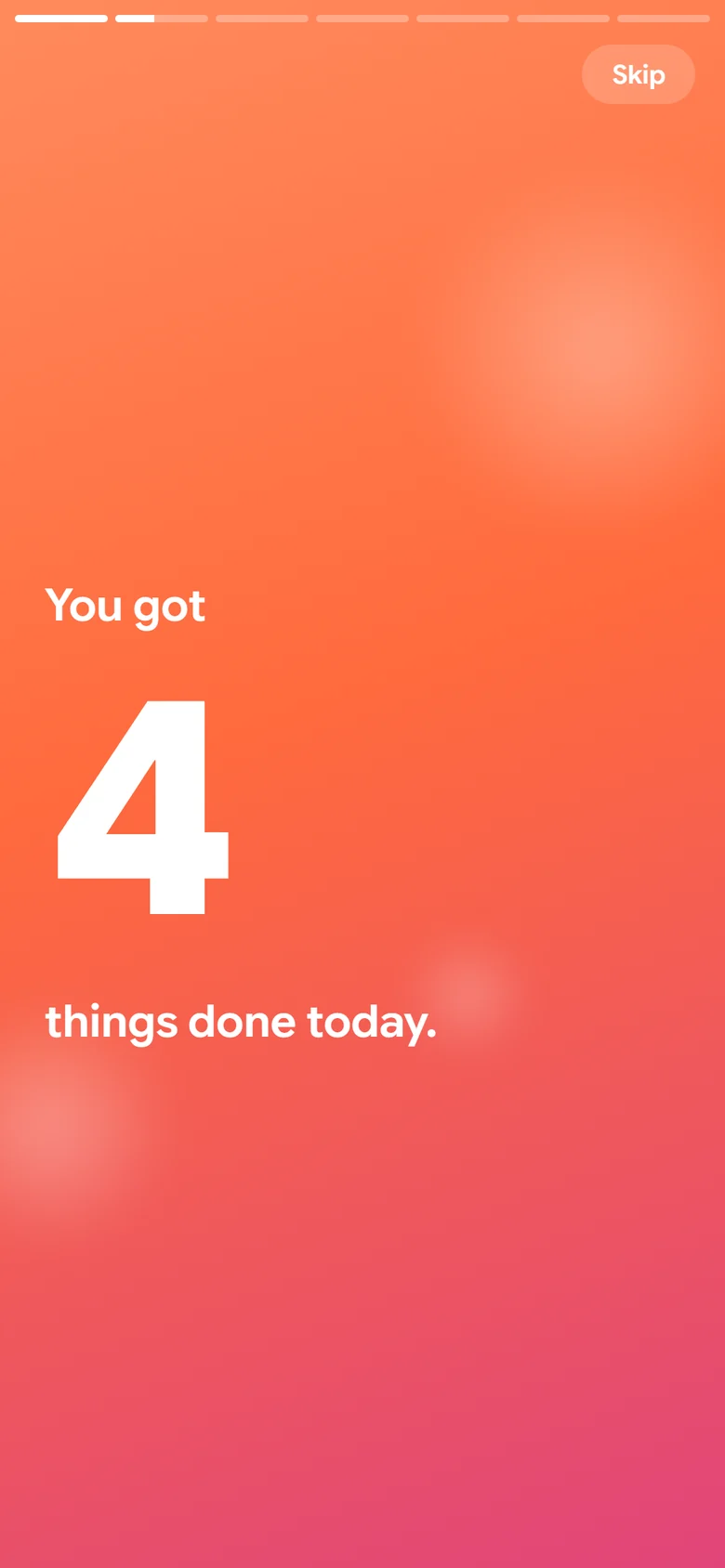
Every evening Toodly plays back your day like your own little wrapped story: what you got done, where your time went and what's left for tomorrow.
- Pick the time that suits you
- Move what's left to tomorrow in one tap
- Build a nightly streak PRO
The upgrade that pays for itself
Pro adds the grown-up stuff. It's cheaper than the big names, and it's friendlier too.
Money watch
Track free trials, bills and returns. Toodly nudges you 3 days before, 1 day before and on the day. Cancel one trial you forgot about and Pro has paid for itself.
Calendar sync
Your tasks in Google or Apple Calendar with one tap, always up to date.
Share with anyone
Shared lists for your partner, housemates or team. Free shares one list with one person.
Plain-words add
Type "dentist next Tuesday 3pm" and it's filed with the right day and time.
Streaks and steps
A nightly Toodle-oo streak, plus subtasks to break big jobs into small wins.
*Example based on cancelling one streaming trial and returning one parcel in time.
Start free. Go Pro when you like.
- Unlimited tasks and categories
- Swipe card, reminders and repeats
- Upcoming calendar and Focus timer
- Toodle-oo every evening
- Sync across your devices
- Share 1 list with 1 person
- Everything in Free
- Money watch for trials, bills and returns
- One-tap Google and Apple Calendar sync
- Unlimited shared lists
- Plain-words add and subtasks
- Nightly streaks
Prices shown in GBP. Local prices apply in other countries. Cancel any time in your App Store or Google Play account.
Good questions
Is Toodly really free?
Yes. Tasks, categories, reminders, the swipe card, Focus and Toodle-oo are free with no time limit. Pro adds extras like Money watch and calendar sync.
Does it work on iPhone and Android?
Yes. Sign in with Google, Apple or email and your tasks stay in sync on every device.
Do I need an account?
No. You can start without one and your tasks stay on your phone. Make an account when you want sync or a backup, and your tasks come with you.
How does the free trial work?
Pro is free for 3 days. If you cancel before the trial ends, you pay nothing. You can cancel in your App Store or Google Play account.
What happens to my data?
Your tasks are yours. We don't sell your data or show ads. You can delete your account and everything in it from the app at any time.